A Practical AI SaaS Automation Blueprint for Small Businesses in 2026
Ambition isn't usually the problem for small businesses. They stall because the daily grind of repetitive work simply eats them alive. Staff spend hours answering the same three questions or juggling a calendar to book appointments. They're stuck chasing down late payments and manually typing notes into customer files.
Individually, none of these tasks feel heavy. But added up, they're a massive drain. Tiny cracks start to show. A missed email becomes a lost sale, or a forgotten text leads to an empty chair at an appointment. If you're too slow to follow up, that lead is already calling your competitor. This isn't just busywork. It's a leak in the boat.
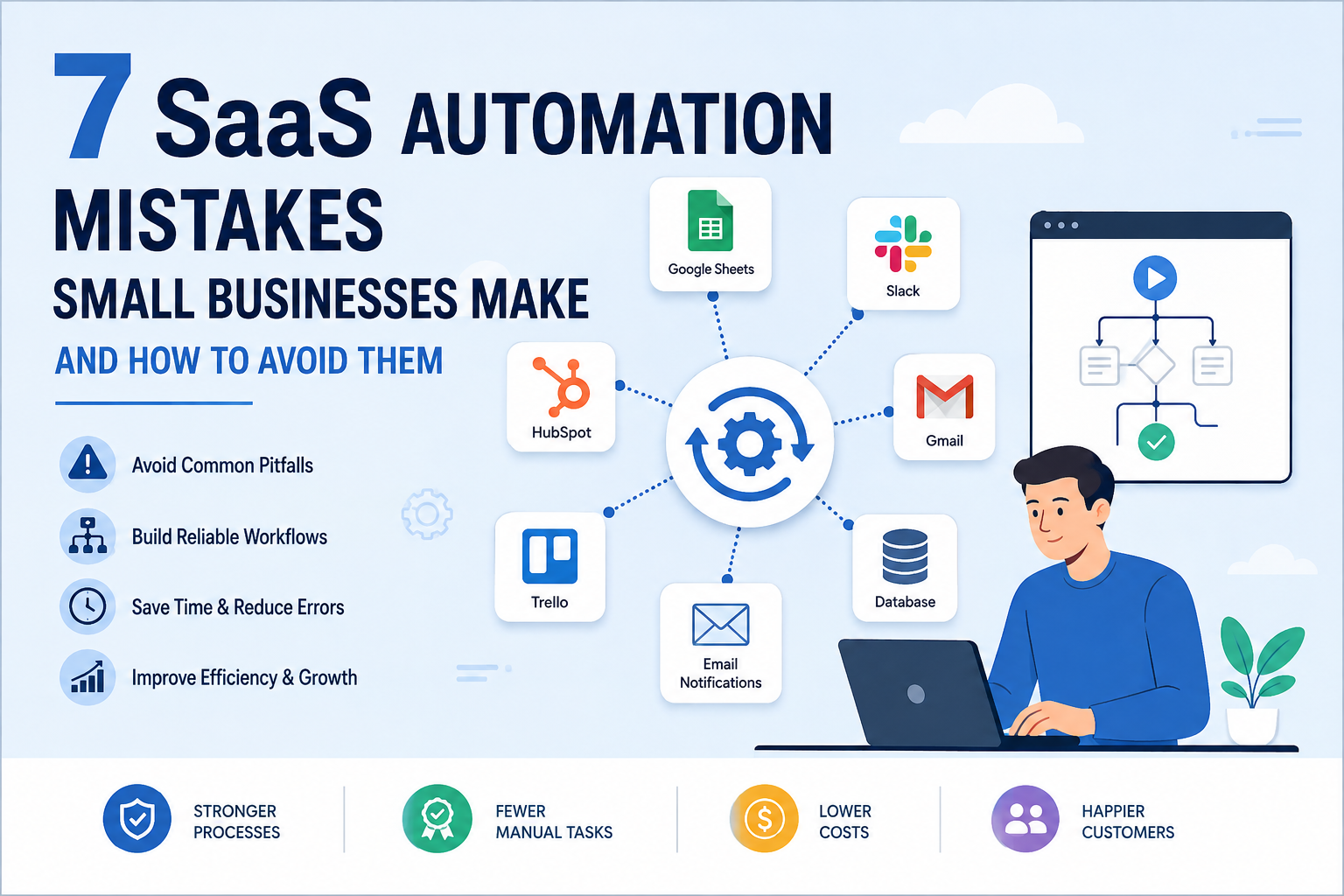
Automation tools offer a smart way to tie these loose tasks together. It's not about tossing out every tool your team already knows. You aren't trying to automate the whole world. Instead, build a steady workflow where tech takes the predictable grunt work. People still make the big calls. They own the relationships. They handle the weird stuff.
Start With the Customer Journey, Not the Software
Most people buy software before they've even mapped out a workflow. Small shops end up paying for five different apps. Each one fixes a tiny headache, but they don't talk.
A better approach is to map the customer journey first:
- A potential customer contacts the business.
- The business answers questions and identifies the customer’s needs.
- An appointment, consultation, or service is booked.
- The customer receives confirmation and reminders.
- Payment is collected.
- The business follows up after the service.
- The customer relationship is recorded for future communication.
Mapping the whole journey shows where things stall out. You'll catch double work and missed chances too. It's about seeing the gaps.
Build One Connected Automation Flow
A practical small-business workflow can follow this sequence:
Customer enquiry → AI receptionist → appointment booking → confirmation → reminder → payment → follow-up
You don't need a massive software overhaul. An AI system acts like a bridge, stitching together the tools you already use every day.
When a customer sends an enquiry through a website chatbot or messaging channel, it enters the main workflow. An AI receptionist answers pre-approved questions, collects the necessary details, and presents the available appointment times. Once the customer makes a booking, the system creates the calendar event, sends a confirmation and reminder, and updates the customer record.
The system sends a secure link if there's a bill to pay. It also grabs feedback after the visit. Then, it kicks off the right follow-up.
The value comes from the connection between these stages, not from any single feature.
Automate High-Volume, Low-Judgment Tasks First
The safest starting point is work that happens frequently and follows clear rules.
Good early automation opportunities include:
Frequently asked questions
- Lead-detail collection
- Appointment scheduling
- Booking confirmations
- Appointment reminders
- Payment-link delivery
- Basic lead qualification
- Customer-record updates
- Post-service feedback requests
- Routine follow-up messages
These tasks may be repetitive, but they are still important. Automating them helps a business provide a consistent service and gives employees more time to focus on customers who need personal attention or more complex support.
Use AI Receptionist With Clear Boundaries
The AI desk picks up when the office closes. It handles basic questions fast. Really fast.
A reliable setup needs the following:
- An approved knowledge base
- Clear service descriptions
- Accurate prices and availability
- Rules for collecting customer information
- Escalation instructions
- A visible route to human support
- Regular review of conversations
If the information isn't there, the AI shouldn't just make things up. It's better to admit the limit. Then, it needs to pass the question to a person.
This balance helps businesses gain speed without sacrificing trust.
Connect Appointments, Reminders, and Payments
Automated booking works better when it’s tied into the whole customer experience. It just makes sense.
A connected system can:
- Check current availability.
- Offer suitable appointment times.
- Create the booking.
- Send confirmation by email or messaging.
- Schedule one or more reminders.
- Send a secure payment or deposit link.
- Update the customer record after payment.
- Trigger a follow-up after the appointment.
Dental clinics love this. Restaurants and estate agents do too. Consultants use it, and so do schools. Gyms and beauty salons get plenty of value here. Any business built on a calendar can make this work.
The system needs to catch when people cancel or change their plans. It’s got to flag failed payments, too. And when messages need a real person’s eyes, the staff should get an alert. Log it and move on.
Keep a Single Source of Customer Information
Customer details often get scattered, leading to automation failures. Data sits in messy inboxes or dusty spreadsheets, hiding in private calendars and random texts, too. A simple CRM can fix this, though. It'll keep everything in one shared place.
- Customer name and contact details
- Source of the enquiry
- Requested service
- Appointment status
- Payment status
- Previous communication
- Follow-up stage
- Consent and communication preferences
This helps the team see every relationship clearly. It stops people from doing the same work twice, and everyone stays in sync.
An AI SaaS for enterprise guide can provide additional context on designing scalable software, but a small business should begin with a focused workflow rather than unnecessary complexity.
Measure the Process Before Claiming Savings
Stop counting how many AI features you've installed. Only actual results on the ground matter.
Useful baseline measurements include:
- Average response time
- Number of missed enquiries
- Appointment no-show rate
- Time spent on repetitive administration
- Percentage of leads receiving follow-up
- Payment collection time
- Customer satisfaction
- Number of enquiries escalated to a person
Before you turn on the automation, map out where you're starting. Check those same numbers again at the thirty-day mark. Repeat this at sixty and ninety days. It's the only way to see whether the workflow actually helps or needs fixing.
Protect Customer Data
Any system that handles personal information needs privacy and security controls from the outset.
Small businesses should:
- Collect only necessary information
- Use reputable platforms
- Restrict staff access by role
- Protect accounts with strong authentication
- Explain how customer data is used
- Set appropriate retention periods
- Maintain human oversight
- Review applicable privacy requirements
Automation ought to make things more reliable. It shouldn't let customer data leak into apps where it doesn't belong.
Introduce Automation in Phases
A manageable implementation can be divided into four phases.
Phase 1: Map
Let's map out the current customer journey. We'll find where things stall or repeat. Then, we'll spot the dropped handovers.
Phase 2: Automate One Workflow
Let's tackle one workflow first, maybe how you handle new bookings. Give it a whirl with a small group, then scale it up.
Phase 3: Connect
Get the core workflow steady first. Then, and only then, add reminders and payments. Throw in CRM updates and follow-ups, too.
Phase 4: Improve
I've looked through old chats and the bots that broke. I've seen what customers say. We're changing instructions often. We need to fix the handoff.
Rolling it out in stages keeps things quiet. That way, you see exactly which tweak caused what.
Choose Practical Automation Over Maximum Automation
The best AI software isn't the one with the most bells and whistles. It's the one that actually fits how a customer works. You need a tool that talks to your existing systems. Plus, it has to make sense to the people using it. Keep it simple.
A small business should be able to answer four questions:
- What event starts the automation?
- What information does the system use?
- What action does it take?
- When does a person take control?
If those answers feel fuzzy, it's a sign your workflow is messy.
Final Thoughts
AI SaaS tools give small shops a way to answer people faster. It's about keeping follow-ups steady and making sure nobody's inbox becomes a mess. But you shouldn't try to automate the whole business overnight. That's a mistake.
Think about how customers actually move through your day. Pick one boring, repetitive task and set some firm rules for it. You still need a real person ready to step in when things get weird. Get that one flow working perfectly, then grow from there.
Businesses considering this approach can explore Anvio Digital for further insights into AI SaaS, business automation, digital strategy, and technology-led growth.