One thing that stands out after troubleshooting marketplace integrations for a while: the technical issue itself is often smaller than the damage caused by the attempted fix. A listing that could have been repaired in fifteen minutes turns into a multi-day investigation because too many variables get introduced too fast. If you're trying to recover rejected listings, avoid these common mistakes.
Mistake #1: Creating a New Listing Instead of Fixing the Existing One
Many sellers assume the original product has become corrupted, so they delete it and create another one. That might hide the symptom temporarily, but it often creates duplicate catalog entries, breaks historical performance data, resets reviews, confuses inventory synchronization, and sometimes gets the product flagged as a duplicate. Whenever possible, repair the existing listing instead of replacing it.
Mistake #2: Changing GTINs or UPCs Without Understanding the Consequences
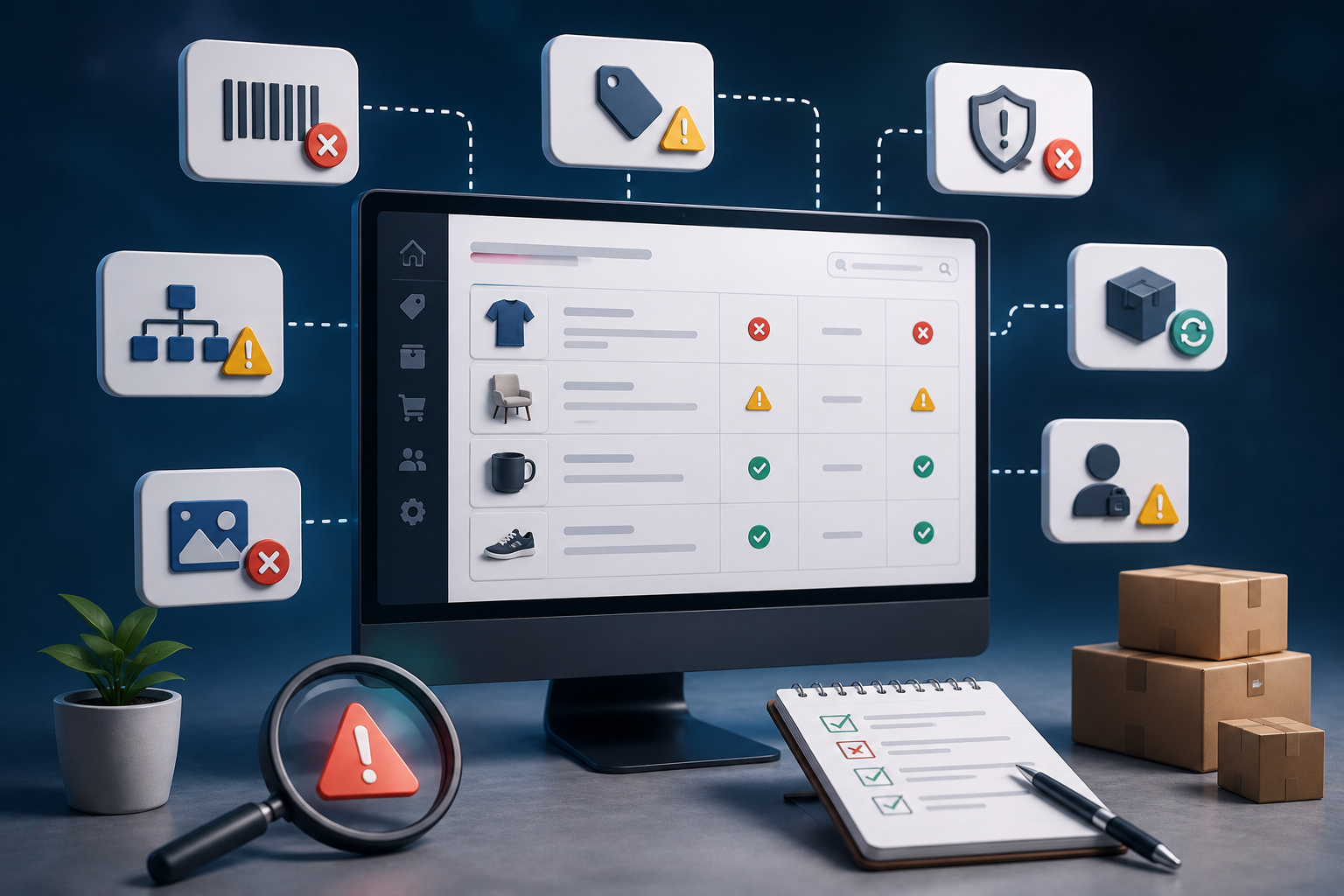
Barcode-related errors are extremely common, and some merchants respond by generating random UPCs just to satisfy a required field. That almost always creates bigger problems later. Before changing any product identifier, check whether the marketplace actually requires a GTIN for your product category. Many handmade, custom, private-label, or vintage products qualify for identifier exemptions or alternative validation methods. A fake barcode might quiet today's validation message while creating permanent catalog conflicts down the line.
Mistake #3: Editing Multiple Attributes at Once
Imagine changing the title, description, category, images, barcode, price, and inventory all in the same publishing attempt. If the listing gets approved, which change fixed it? You don't know. If it still fails, which change introduced a new problem? You don't know that either.
Professional troubleshooting depends on controlled testing: change one variable, republish, wait for processing, evaluate the result, then move to the next possible fix. This single habit saves countless hours over the life of a growing catalog.
Mistake #4: Constantly Disconnecting and Reconnecting Marketplace Channels
Another common reaction is repeatedly reconnecting Google Merchant Center, Meta Commerce, feed management apps, or sales channels. Most synchronization issues aren't caused by broken connections, they're caused by data that fails validation after it arrives at the marketplace. Disconnecting integrations repeatedly usually just forces unnecessary feed rebuilds without correcting the underlying product data. Unless diagnostics specifically point to an integration failure, leave the connection alone while you investigate the listing itself.
Mistake #5: Ignoring Processing Time
One of the hardest lessons for new marketplace sellers is that validation isn't always immediate. A corrected listing may still show the previous error for several hours while the marketplace regenerates feeds, updates search indexes, or completes automated policy reviews. Making additional edits before that process finishes usually creates more confusion, not less. Sometimes the right troubleshooting step is simply waiting for the next validation cycle.
A Diagnostic Checklist Before You Change Anything
When someone says 'my listing won't publish,' the right response isn't an immediate fix. It's a set of questions that eliminate entire categories of possible problems before any technical work begins. Use this checklist the next time a marketplace rejects one of your products.
Marketplace Information
- Which marketplace is rejecting the listing?
- Is the issue occurring inside Shopify or only after synchronization?
- Is this a brand-new listing or one that was previously approved?
Scope of the Problem
- Is one product affected or hundreds?
- Are all products from the same category?
- Are only variant products failing?
- Did the issue begin after a bulk import?
Recent Changes
- Were products imported recently?
- Has the product category changed?
- Was a new marketplace app installed?
- Were inventory systems modified?
- Has pricing automation been introduced?
Validation Details
- What is the exact error message?
- Does the marketplace provide an error code?
- When was the product last synchronized?
- Have previous publishing attempts succeeded?
These questions often eliminate half the possible causes before you touch any product data.
How Automation Prevents Listing Errors Before They Happen
Manual troubleshooting works fine when you're managing twenty products. It doesn't scale when you're managing twenty thousand.
One client maintained a Shopify catalog of more than 18,000 products. Reviewing listings manually wasn't realistic. Instead of waiting for marketplaces to reject products, we built validation scripts using the Shopify Admin API that inspected catalog data before synchronization began. The system automatically flagged missing barcodes, empty product types, duplicate SKUs, missing product images, invalid pricing, and broken variant relationships. Instead of discovering problems after publishing, the catalog was validated before products ever reached Google Shopping or Meta Commerce. What used to require multiple staff members reviewing spreadsheets became an automated process completed in minutes.
The biggest lesson wasn't that automation replaces people. It doesn't. Automation replaces repetitive inspection. Experienced teams still investigate complex listing failures, but they spend far less time finding obvious data quality issues because software catches those first.
Building a Preventive Validation Pipeline
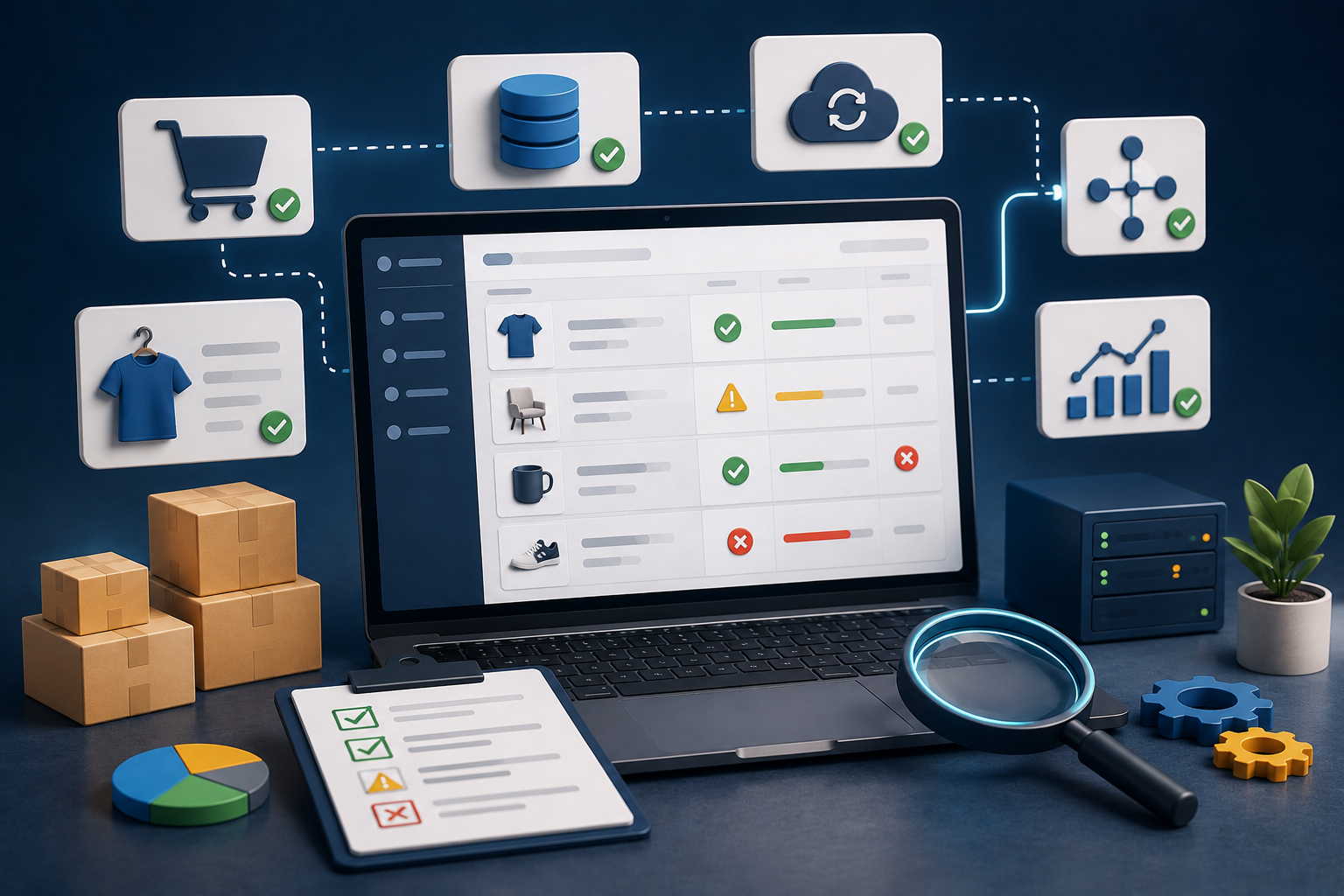
As a catalog grows, reactive troubleshooting gets increasingly expensive. A better approach is validating product data before synchronization even begins. A modern listing validation pipeline typically checks:
- Product completeness: ensure required fields are populated
- Category validation: confirm marketplace-specific categorization
- Attribute validation: verify required attributes for each category
- Identifier checks: validate GTINs, SKUs, and product IDs
- Image compliance: detect missing or non-compliant images
- Variant integrity: confirm parent-child relationships
- Pricing validation: detect invalid or missing prices
- Inventory consistency: compare inventory across connected systems
Think of this like unit testing for a product catalog. Developers don't wait until production to discover syntax errors. Marketplace teams shouldn't wait until products are rejected to discover missing attributes. The earlier validation happens, the cheaper and faster it is to fix.