How do you integrate an LLM into existing software?
Integrating an LLM into existing software is not the same thing as adding a chatbot widget or calling an API from the backend. That is usually the easiest part. The real work starts when the model has to operate inside software that already has users, permissions, business rules, databases, workflows, audit logs, and uptime expectations.
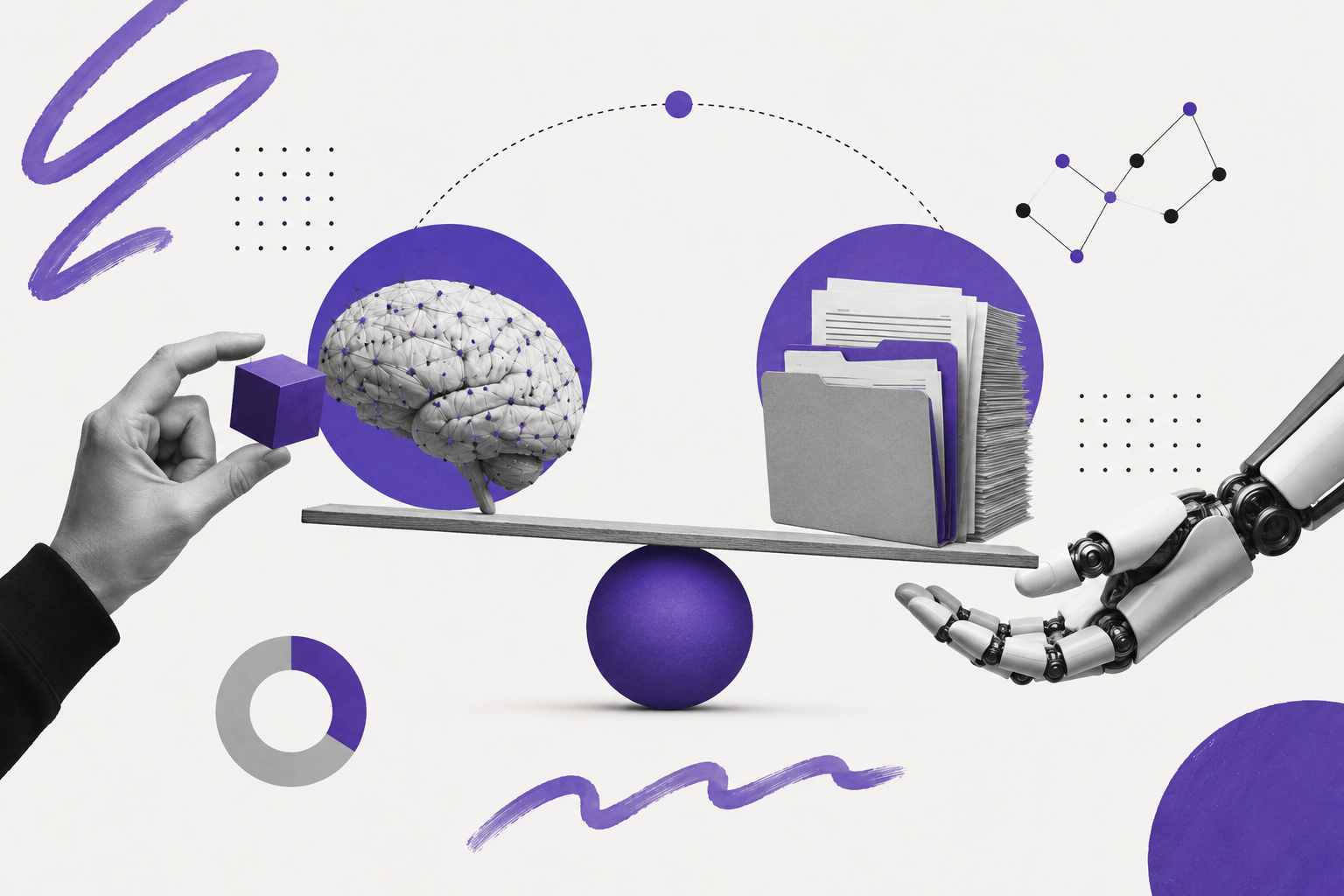
The safest way to think about LLM integration is this: your existing application remains the system of record, and the LLM becomes an intelligence layer inside it. The application still controls authentication, authorization, billing, validation, database writes, and business logic. The model helps with language-heavy work such as summarizing, searching, explaining, classifying, drafting, and reasoning over information.
If you need help designing that architecture for a real product, our LLM integration services focus on production systems rather than isolated demos.
What LLM integration actually means
LLM integration means embedding language intelligence into a software product without breaking the parts of the product that already work. The goal is not to replace your application with AI. The goal is to make selected workflows smarter while keeping deterministic software responsible for predictable decisions.
In one production system we worked on, the client originally thought AI integration meant this: upload document, AI reads it, answer appears. Within two weeks, the team realized the API call itself was the smallest part of the project. The harder questions were about who could access confidential documents, how outdated specifications would be filtered, what happened when AI was not confident, how every response would be audited, and how usage costs would stay predictable.
That is the real shape of production AI. The LLM is only one service inside a larger system that includes authentication middleware, retrieval, validation, prompt versioning, logging, monitoring, and human review.
Can you add AI without rebuilding your application?
Yes, and in most cases you should. Rebuilding an entire product just to add AI is usually unnecessary and expensive. A better approach is to introduce an AI service beside the existing application and connect it through secure backend APIs.
Your current frontend can stay. Your database can stay. Your authentication system can stay. Your existing business logic can stay. The AI layer should be added carefully around a specific workflow where language understanding creates measurable value.
- Start with one workflow instead of trying to make the whole product AI-powered.
- Keep the existing backend as the source of truth.
- Expose only the data the model needs through controlled APIs.
- Release internally before exposing the feature to all users.
- Measure whether the AI actually improves the workflow before expanding it.
Should you build AI chat, an AI copilot, RAG, an agent, or automation?
Most teams ask which model they should use too early. The better question is which integration pattern matches the job your software needs to perform.
AI chat is useful when users need a conversational interface. An AI copilot is better when AI should assist inside an existing workflow. A RAG system is needed when answers must be grounded in internal documents. An AI agent is useful when the system needs to perform multi-step tasks across tools and APIs. AI background workers are useful when the job is long-running, such as document processing, report generation, or batch classification.
LLM vs RAG vs AI agents: which should you integrate?
A direct LLM is best when the model only needs the user's input and general language ability. RAG is best when the model needs access to your company's documents, knowledge base, records, or policies. AI agents are best when the system needs to reason through multiple steps and call tools or APIs.
For document-heavy products, start by understanding what a RAG pipeline is, because retrieval quality often matters more than the model itself.
Before integration: what most existing software looks like
Before AI enters the system, most business software already has a layered architecture. Users interact with a frontend. The frontend talks to a backend. The backend handles authentication, business rules, APIs, and database operations.
The mistake is placing the LLM beside the database and letting it answer freely. That creates security, accuracy, and compliance risk. The model should not bypass the application. It should operate through it.
After integration: what a safer LLM architecture looks like
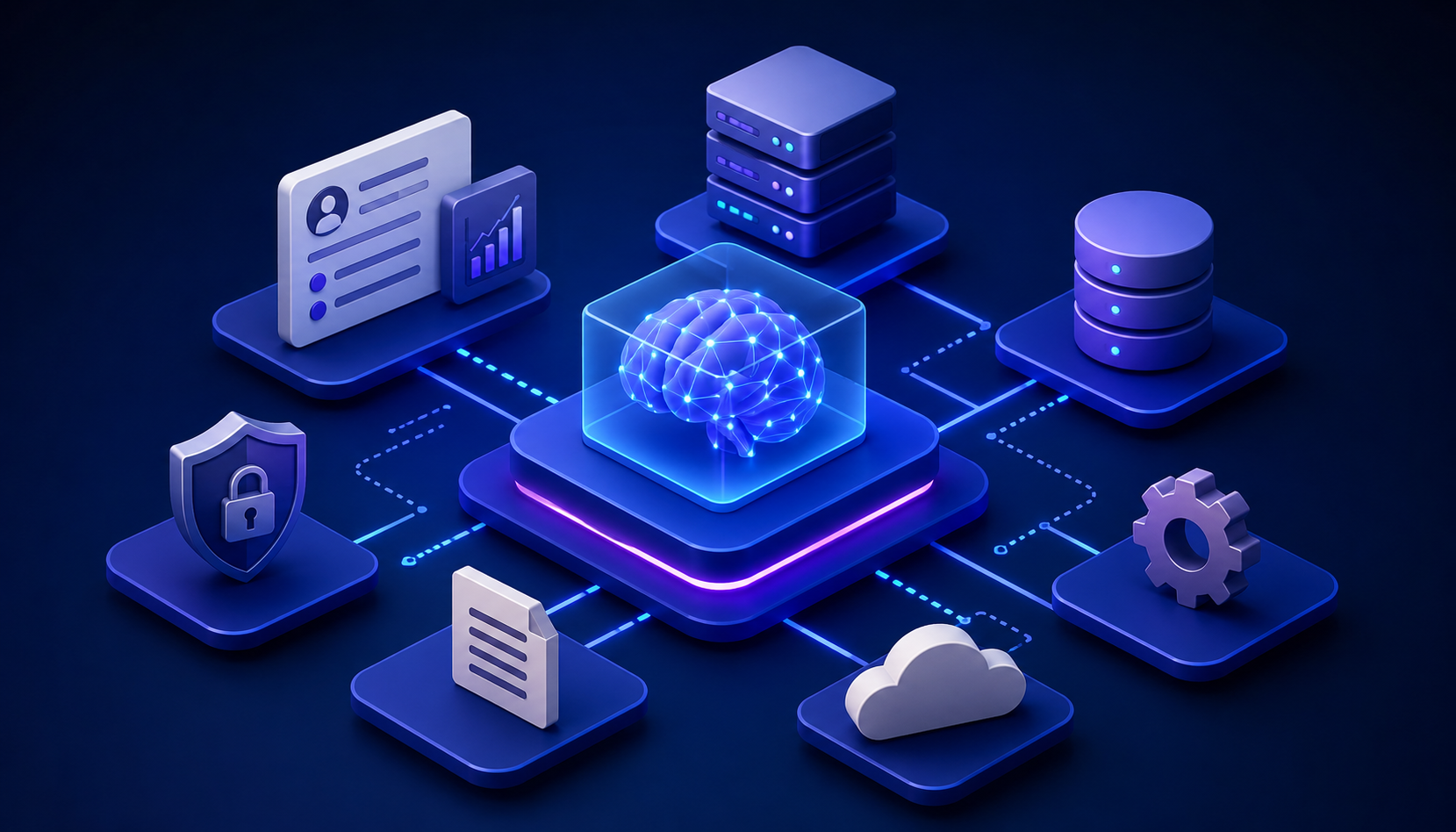
After integration, the LLM sits behind the backend, not in front of it. The backend decides who the user is, what data they can access, what task they are performing, and what the model is allowed to receive.
This separation matters. The AI gateway can manage model routing, retries, prompt templates, structured outputs, logging, cost controls, and fallback behavior without spreading AI logic across the entire application.
Common LLM integration architectures
1. AI copilot architecture
An AI copilot assists users inside the workflow instead of replacing the workflow. This is common in CRMs, ERPs, dashboards, accounting tools, and support platforms.
2. RAG architecture
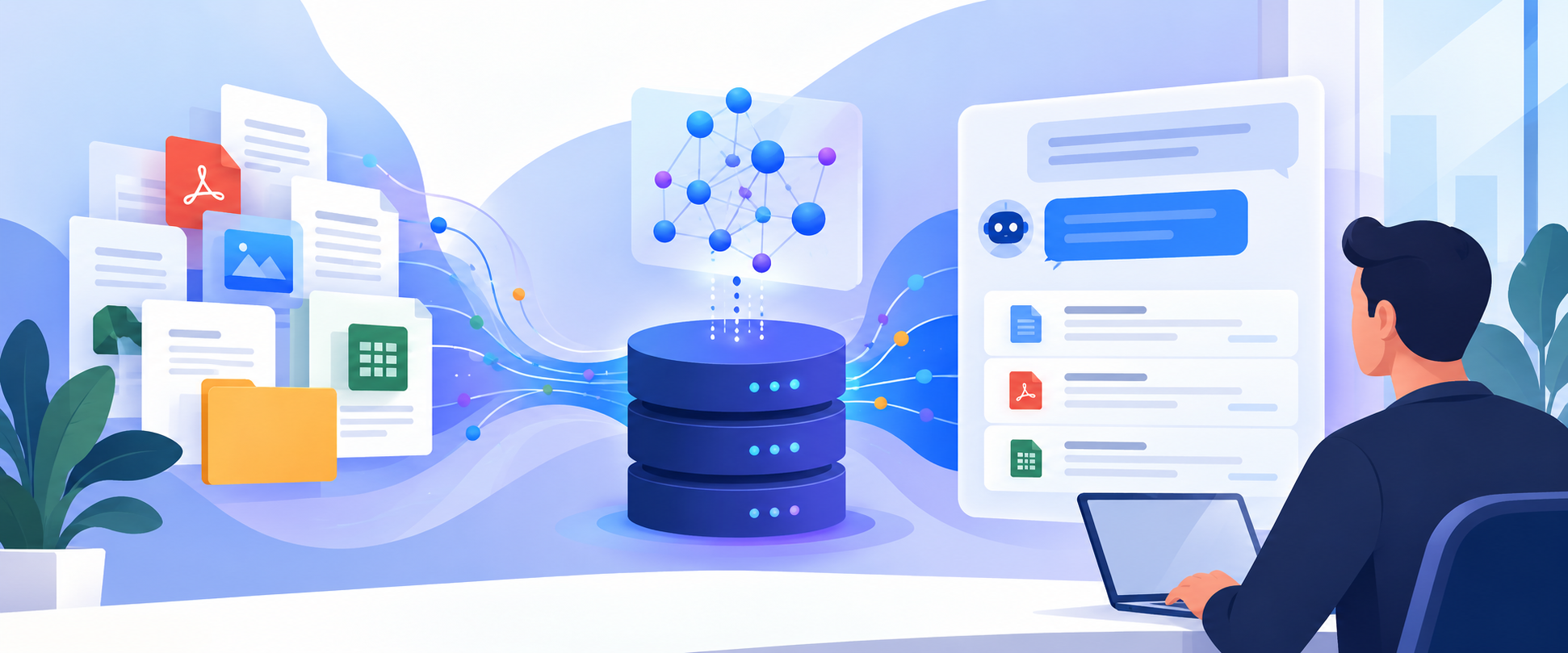
RAG is useful when the model must answer using company knowledge. The retrieval layer finds relevant and authorized content before the model generates a response.
3. AI agent architecture
An AI agent is useful when a request requires planning, tool use, and multiple steps. However, agents should be constrained by permissions, business rules, and human approval for high-risk actions.
4. Event-driven AI architecture
Event-driven AI is useful when work should happen in the background. For example, when a document is uploaded, the system can extract data, classify it, summarize it, and notify the right user without blocking the main request.
A practical migration strategy for adding AI to existing software
The best LLM integrations rarely start with a full-platform rollout. They start with one valuable workflow, one controlled pilot, and one measurable business outcome.
The timeline can be shorter for simple AI drafting features and longer for enterprise systems with strict permissions or compliance requirements. The important part is sequencing. Audit first, prototype second, production rollout later.
How much does it cost to integrate an LLM?
Many companies focus only on API pricing, but the API bill is rarely the full cost. A real production integration includes development, infrastructure, monitoring, retrieval, evaluation, security, and maintenance.
For a deeper cost breakdown across AI and machine learning products, see our guide on how much it costs to build an AI/ML app.
How to choose the right model
Model selection should come after you understand the workflow, not before. The right model depends on latency, privacy, cost, context size, reasoning requirements, and the risk of mistakes.
The most expensive model is not automatically the best model. In production, the best setup often uses model routing: simple tasks go to cheaper models, complex tasks go to stronger models, and risky outputs go to human review.
Security considerations for enterprise AI
Security becomes more serious when an LLM can access internal knowledge. The model itself is not always the biggest risk. The retrieval pipeline is often the bigger risk because it decides what information enters the prompt.
In one integration, the existing permission system became the hardest part of the project. Different departments had access to different projects, customers, documents, invoices, and compliance records. Before improving prompts, the authorization layer had to be corrected so the AI could never retrieve documents the user was not allowed to see.
- Enforce authentication before every AI request.
- Use role-based access control in retrieval.
- Filter documents by user permissions before they reach the prompt.
- Log prompts, responses, sources, latency, and cost.
- Encrypt sensitive data in transit and at rest.
- Use rate limits to control abuse and cost spikes.
- Keep secrets and API keys outside prompts.
- Require human approval for high-risk actions.
- Define retention policies for prompts and generated outputs.
Why retrieval quality matters more than most teams expect
Many production AI failures are retrieval failures, not model failures. If the wrong context reaches the model, the answer can look confident while still being wrong.
We saw this clearly in an early deployment where the assistant generated technically correct answers from outdated engineering documents. The issue was not hallucination. Old specifications were still indexed beside current ones, and the retriever occasionally selected obsolete files because they were semantically similar.
A stronger retrieval system needs more than embeddings. It needs document freshness, metadata filtering, access control, ranking logic, and evaluation.
- Chunking strategy: split documents in a way that preserves meaning instead of cutting blindly by token count.
- Metadata filtering: filter by customer, project, document type, date, department, and permission level.
- Hybrid search: combine keyword search with semantic search when exact terms matter.
- Reranking: reorder retrieved results based on relevance before sending them to the model.
- Version-aware retrieval: prioritize current documents and suppress outdated versions.
- Document freshness: treat recency as a ranking signal where old data can create risk.
- Permission-aware retrieval: never retrieve documents the user cannot already access.
- Indexing pipelines: update embeddings when documents change, expire, or get replaced.
12 production mistakes we see repeatedly
Most failed LLM integrations do not fail because the model is weak. They fail because the surrounding software architecture is weak.
- Starting with prompts before understanding the business workflow.
- Ignoring permissions and exposing too much data to the model.
- Skipping evaluation and relying only on manual testing.
- Embedding everything without cleaning or versioning knowledge.
- Letting AI write directly to the database without validation.
- Launching without audit logs.
- Building no fallback path when the model is uncertain.
- Skipping caching and allowing repeated questions to increase cost.
- Forgetting rate limits.
- Removing human review from high-risk workflows too early.
- Using the largest model for every task.
- Forgetting that old documents can create wrong answers.
Should you integrate an LLM? A simple scorecard
Not every feature needs an LLM. In some products, deterministic rules, workflow automation, or better reporting will create more value at lower cost.
An LLM is worth evaluating if your users repeatedly do several of these tasks:
- Read long documents.
- Summarize information.
- Search across knowledge bases.
- Classify text or records.
- Draft emails, reports, notes, or responses.
- Compare documents or options.
- Ask questions that require context.
- Review messy unstructured information.
- Need faster onboarding or explanation inside the product.
- Can tolerate human review when confidence is low.
If most answers are yes, AI may be worth testing. If the workflow is mostly calculations, approvals, inventory updates, pricing rules, or compliance formulas, deterministic software may be the better core solution.
What business outcomes should you expect?
The business case for LLM integration should be tied to measurable operational improvement, not novelty. AI should reduce time, increase accuracy, improve user experience, or create a feature users are willing to pay for.
Measuring success after deployment
Deployment is not success. A production LLM integration should be measured through both technical and business metrics.
- Technical metrics: latency, cost per request, structured output validity, retrieval precision, hallucination reports, error rate, and model failure rate.
- Business metrics: task completion rate, user adoption, time saved, support ticket reduction, human override rate, customer satisfaction, revenue impact, and operational efficiency.
If users ignore the AI, frequently override it, or continue opening the same support tickets, the integration has not succeeded even if the model performs well in a benchmark.
The real answer: integrate AI like production software
Five years ago, companies competed on who had better software. Today, they are starting to compete on who integrates intelligence into that software most effectively.
The winners will not simply be the teams using the newest model. They will be the teams treating AI as another production service, subject to the same engineering discipline, security standards, monitoring, cost controls, and operational rigor as every other component in their stack.
That is the real work of LLM integration. Not calling an API. Not adding a chatbot. Not chasing the largest model. The real work is designing a system where AI improves the product without weakening the architecture that made the product reliable in the first place.