How to Build Reliable SaaS Systems: A Practical Guide to Automation and Scalability
Introduction
Reliable SaaS systems need more than a good interface or useful features. As a product grows, increasing users, data, integrations, and support requests can make a simple application difficult to manage. A reliable system should remain stable while the business continues to grow.
The good news is that reliability does not always require a complicated architecture. Teams can improve SaaS products by combining thoughtful software architecture, automation, monitoring, testing, and scalable infrastructure.
In this guide, we will explore practical ways to build SaaS systems that are easier to maintain, monitor, and scale.
1. Start With a Clear Software Architecture
A reliable SaaS product starts with a well-planned architecture. Before adding more features, developers should understand how the main components communicate and where potential failures could occur.
A clear architecture separates important responsibilities. For example, authentication, business logic, databases, background jobs, and external integrations should have well-defined roles.
This makes the application easier to understand and maintain. When one part needs to change, developers can make the change without unnecessarily affecting the entire system.
Teams should also document important architectural decisions. Simple documentation can save considerable time when new developers join a project or when an existing component needs to be replaced.
2. Automate Repetitive Processes
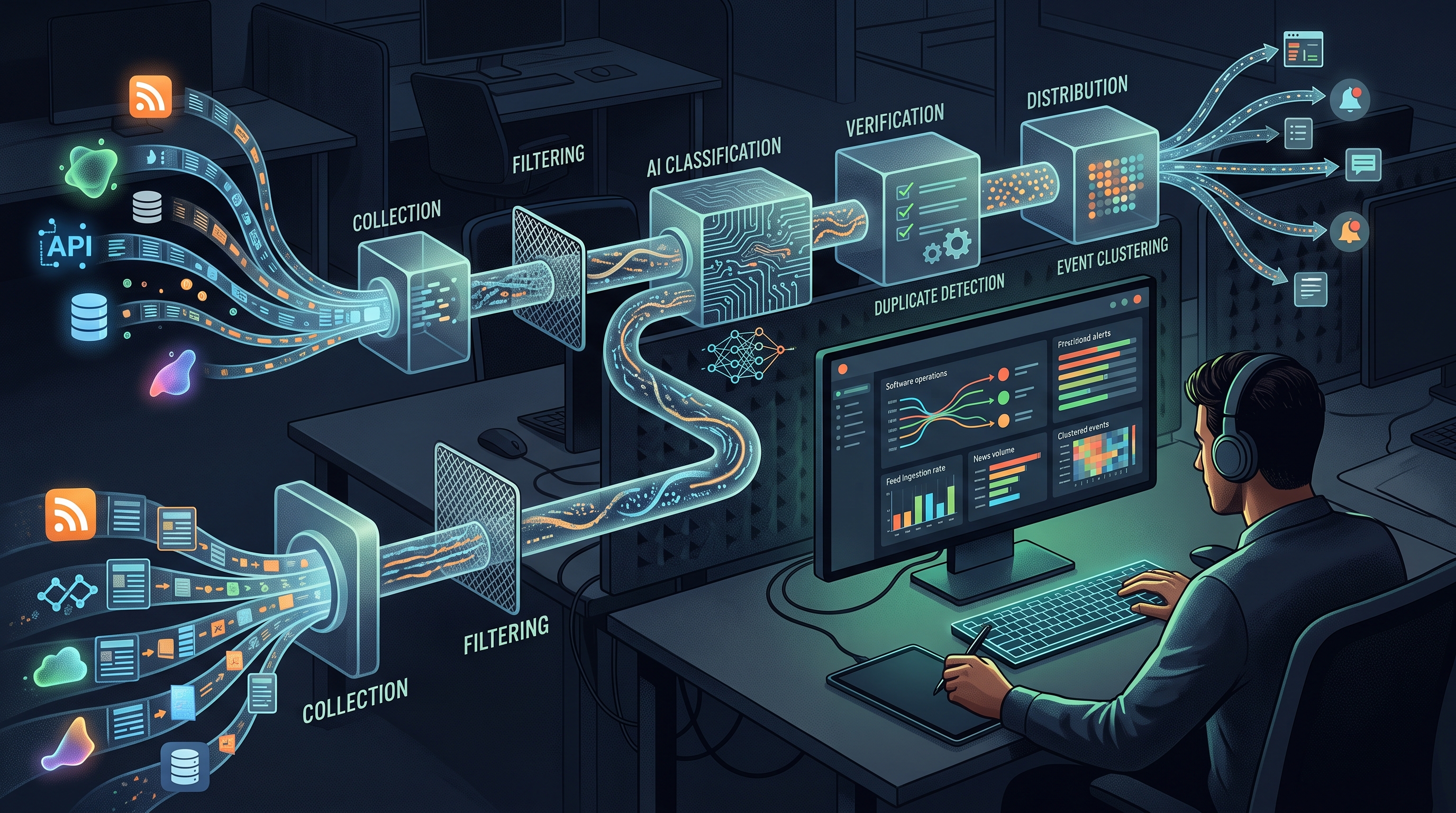
Manual processes become a major problem as a SaaS business grows. Tasks such as deployments, backups, testing, notifications, and data processing can consume valuable development time.
Automation can reduce this workload. A continuous integration and continuous deployment pipeline, for example, can automatically test code and prepare successful changes for deployment.
Background jobs are another useful approach. Instead of making users wait while a time-consuming operation completes, the application can process the task separately and notify the user when it is finished.
Good automation should also be easy to monitor. A failed automated process should generate a useful notification rather than silently stopping.
3. Design for Scalability From the Beginning
Scalability means that a system can handle increasing demand without a major reduction in performance or reliability. However, scalability does not mean building an unnecessarily complex system from day one.
Start with the expected workload and identify the components most likely to become bottlenecks. Database queries, file storage, API requests, and background jobs are common areas that require attention.
Caching can reduce repeated database operations. Efficient database indexing can improve query performance. Load balancing can distribute traffic across multiple application instances when demand increases.
The most important principle is to scale based on actual requirements rather than assumptions. Monitoring data can show where additional resources or architectural changes are genuinely needed.
4. Make Monitoring Part of the Product
A system can appear healthy to customers while important problems are developing in the background. Monitoring helps teams discover these problems before they become major incidents.
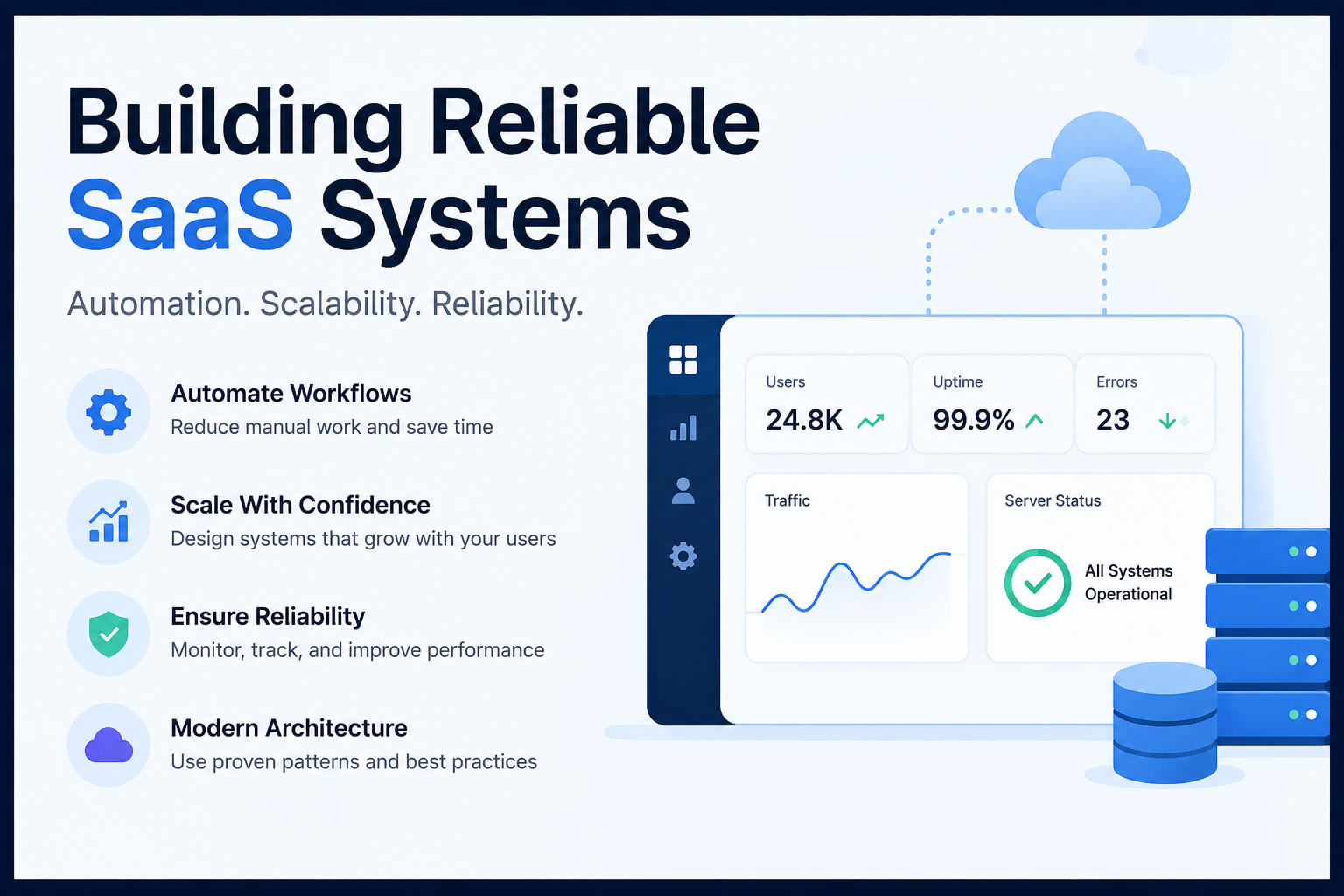
Useful metrics include uptime, response time, error rates, resource usage, database performance, and traffic patterns.
Logs are equally important. Good logs provide enough context to understand what happened without creating unnecessary noise.
Teams should also define meaningful alerts. If every small event creates an alert, developers may eventually ignore notifications. Alerts should focus on conditions that require attention.
A status page can also help businesses communicate service conditions clearly. When customers can quickly understand whether a service is operational, experiencing an incident, or undergoing maintenance, support teams can spend less time answering repetitive questions.
5. Build Reliable Error Handling
Every SaaS application eventually encounters errors. The goal is not to eliminate every possible failure but to make failures manageable.
Applications should return useful error messages without exposing sensitive technical information. External services should also be treated as potential points of failure.
For example, if an external API temporarily stops responding, the application should not necessarily fail completely. Depending on the situation, retry logic, timeouts, queues, or fallback processes can provide a more reliable experience.
Error handling should be tested regularly. A system that works perfectly during normal conditions may behave very differently when a dependency becomes unavailable.
6. Protect Data and Access
Reliability also includes protecting user data. SaaS applications often store sensitive business information, so security should be considered throughout development.
Use appropriate authentication and authorization controls. Users should only have access to the resources they are permitted to use.
Regular backups are another important part of reliability. Backups should not simply exist; teams should also verify that they can restore data successfully.
Developers should keep dependencies updated and review permissions regularly. Small security improvements made consistently can reduce the risk of larger problems later.
7. Test Before Problems Reach Production
Testing is one of the simplest ways to improve software reliability. Automated tests can check important functionality whenever developers introduce changes.
Unit tests can verify individual components, while integration tests can examine how different services work together. End-to-end tests can simulate important user workflows.
Testing should focus on critical parts of the product first. For example, authentication, payments, account management, and core business workflows may deserve higher testing priority than less important features.
A strong testing process gives developers greater confidence when releasing new versions.
8. Use Data to Guide Improvements
SaaS teams should avoid making scalability and performance decisions based only on assumptions. Real usage data provides better evidence.
Track important indicators such as active users, request volume, response times, failed requests, database load, and infrastructure usage.
When a problem appears, identify its root cause before adding more infrastructure. A slow application may require additional resources, but it could also have an inefficient database query or an unnecessary API request.
Data-driven decisions help teams spend resources where they provide the greatest benefit.
Conclusion: Build for Reliability, Then Scale With Confidence
Building a reliable SaaS system is an ongoing process rather than a one-time technical task. Strong architecture, automation, monitoring, testing, security, and thoughtful scalability practices work together to create dependable software.
Start with a simple architecture, automate repetitive work, monitor important system behavior, and use real data to identify bottlenecks. As the product grows, improve the areas that actually require additional capacity.
Most importantly, reliability should be treated as part of the customer experience. When a SaaS product performs consistently and communicates clearly during problems, customers have greater confidence in the business behind it.