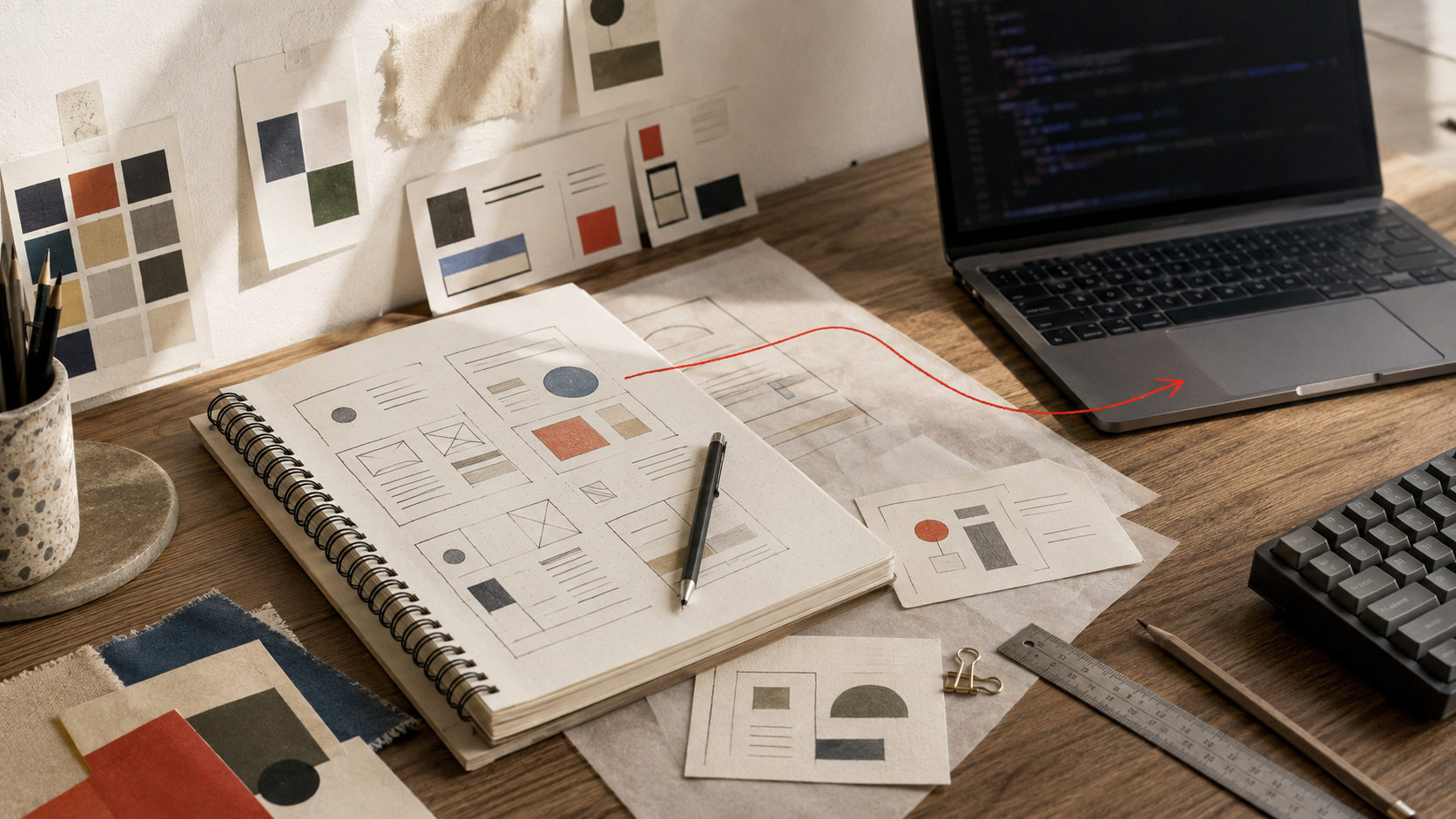
AI coding tools can generate a working website in minutes. The harder part is getting them to create an interface that feels intentional, consistent, and appropriate for its users. Three open-source resources can help: Awesome DESIGN.md by VoltAgent, web-design by xiaopu-ai, and Taste Skill.
These tools are related, but they are not interchangeable. Awesome DESIGN.md provides reusable visual references, web-design creates a design specification before implementation, and Taste Skill adds rules that help AI agents avoid generic or incomplete frontend output.
Why AI-generated websites often look generic
When a prompt says build a modern SaaS website, an AI agent often reaches for familiar patterns: oversized gradient headlines, rounded cards, glowing backgrounds, three-column pricing sections, and decorative dashboard mockups.
These elements are not automatically bad. The problem is that they are often used without considering the product, audience, industry, or brand. A healthcare platform needs clarity and trust, while a creative portfolio may need stronger art direction and motion.
A better workflow gives the AI agent a shared design language. This is similar to creating a project-specific design system for faster user decisions, rather than relying on a vague request for something modern.
1. Awesome DESIGN.md provides visual design references
Awesome DESIGN.md is a curated collection of DESIGN.md files based on the visual language of well-known websites and products. The repository explains that these files are plain-text design system documents intended to help AI agents generate more consistent interfaces.
The collection includes references inspired by products and brands such as Linear, Vercel, Stripe, Apple, Airbnb, Nike, Supabase, Figma, and Spotify. Each reference attempts to turn visual observations into practical instructions.
What a DESIGN.md file contains
- Visual theme and atmosphere
- Color palette and semantic color roles
- Typography and type hierarchy
- Button, card, input, and navigation styles
- Layout and spacing principles
- Shadows and elevation
- Responsive behavior
- Design do's and don'ts
- Prompt guidance for AI agents
You can copy a suitable DESIGN.md file into your project and instruct your AI coding agent to read it before creating or modifying the frontend.
Read DESIGN.md before writing frontend code. Use its typography, color roles, spacing rules, component styling, responsive behavior, and design constraints. Keep all new components consistent with the specification.
The most important limitation is that a reference should not become a brand clone. Study the principles behind a design, but avoid copying logos, proprietary illustrations, exact layouts, or distinctive marketing language.
2. web-design uses a spec-first workflow
The web-design repository is a Claude Code skill designed around a simple idea: understand the design direction first, create an editable specification, and only then generate the frontend code.
How web-design works
- Understand the brief, reference URL, screenshot, keywords, or brand
- Create a readable DESIGN.md specification
- Generate the frontend according to the approved specification
- Audit the result against quality and reference requirements
The generated specification covers color, typography, components, layout, motion, depth, design rules, responsive behavior, and accessibility. This creates an intermediate design contract that can be reviewed before a large amount of code is written.
The repository provides installation instructions for cloning the skill into Claude Code's skills directory:
git clone https://github.com/KAOPU-XiaoPu/web-design ~/.claude/skills/web-design
After installation, Claude Code can use the skill to turn a product brief, screenshot, or reference URL into a project-specific design specification.
Use the web-design skill. Study this brief and reference screenshot. First create DESIGN.md covering color, typography, layout, components, motion, depth, responsive behavior, accessibility, and design constraints. Do not write frontend code until the design direction has been reviewed.
This workflow is especially useful when several pages must share the same visual language. The same specification can guide a landing page, dashboard, settings area, forms, tables, and mobile layouts.
3. Taste Skill helps prevent generic frontend output
Taste Skill describes itself as an anti-slop frontend framework for AI agents. It provides open-source skill files that work with Claude Code, Codex, Cursor, Gemini CLI, v0, Lovable, OpenCode, and other tools that support skill files.
Its purpose is broader than producing one design document. Taste Skill provides rules that influence how an AI agent chooses a visual direction, design system, layout, typography, motion, themes, and completion checks.
Notable Taste Skill capabilities
- Infers the industry, audience, mood, layout family, and motion depth
- Helps select an appropriate design system
- Encourages light and dark theme hierarchy
- Uses an audit-first process for redesigns
- Checks for missing states and incomplete sections
- Supports different visual directions such as minimalist and brutalist styles
The website currently describes Taste Skill v2 as experimental. That means teams should review updates and avoid assuming that every rule will remain unchanged between versions.
Taste Skill can be installed with the following command:
npx skills add Leonxlnx/taste-skill --skill "design-taste-frontend"
A useful instruction for Claude Code would be:
Use the design-taste-frontend skill. First understand the product, audience, industry, and desired mood. Choose an appropriate design direction instead of defaulting to a generic SaaS layout. Before finishing, check responsiveness, accessibility, theme hierarchy, empty states, loading states, error states, and consistency.
How these three resources differ
The simplest distinction is this: Awesome DESIGN.md answers what a design language looks like, web-design explains how to convert a brief into a design specification, and Taste Skill guides the agent while it makes and checks implementation decisions.
How to use all three with Claude Code
Claude Code is Anthropic's terminal-based coding assistant. It can inspect a project, read instruction files, modify source code, run commands, and help implement complete features. These resources give Claude Code more specific design context than a single prompt.
Step 1: Study relevant design principles
Start with Awesome DESIGN.md and review several references related to your product. For an analytics platform, you might study Linear for information density, Vercel for restraint, Stripe for marketing presentation, and Supabase for technical communication.
Do not copy one reference blindly. Extract principles such as spacing, hierarchy, color relationships, component density, and responsive behavior.
Step 2: Create a project-specific DESIGN.md
Use web-design to turn the product brief and selected principles into a specification that belongs to your own project. Define the primary action, type scale, color roles, content width, mobile behavior, interaction states, animation rules, and accessibility requirements.
Step 3: Apply Taste Skill during implementation
Use Taste Skill to challenge the generated output. Ask Claude Code whether the visual direction fits the audience, whether the interface contains generic patterns, and whether loading, empty, error, success, disabled, and focus states have been handled.
Step 4: Review the rendered website
A frontend can satisfy a written specification and still feel wrong when rendered. Review desktop and mobile layouts, long headings, populated and empty states, keyboard navigation, contrast, touch targets, and the rhythm between sections.
For a broader process, teams can also follow a reliable Claude Code workflow for real software projects, including project instructions, testing, reviews, and version control.
Example: designing a clinic appointment platform
A generic AI prompt may produce a clinic dashboard with purple gradients, oversized cards, and decorative charts. A better design brief would prioritize trust, clarity, accessibility, and fast scanning.
- Use calm neutral surfaces with a restrained blue-green accent
- Make appointment dates, patient names, and statuses easy to scan
- Use clear success, warning, and error states
- Turn appointment lists into stacked records on mobile
- Keep the primary booking action visible
- Avoid decorative gradients and unnecessary motion
The result may be less visually loud, but it is more appropriate for healthcare. The design serves the users instead of displaying the AI agent's favorite patterns.
Important limitations
- A design file cannot compensate for unclear product requirements
- Visual consistency does not automatically mean usability
- AI-generated design systems still require human review
- Public visual references should not be copied as brand identities
- Skills and repositories can change, so versions should be reviewed before updates
Final verdict
These resources represent three useful layers of AI-assisted frontend development. Awesome DESIGN.md provides structured visual references. web-design introduces a spec-first process that separates design decisions from code generation. Taste Skill adds broader rules for context, originality, redesigns, themes, and completion quality.
The strongest workflow is not to ask Claude Code for a beautiful website and hope the result feels original. Give it a clear product brief, relevant visual principles, an editable design specification, implementation constraints, and a rendered quality checklist.
Used properly, these tools turn Claude Code from a code generator into a design-aware implementation partner. They do not replace human designers, but they give designers and developers a clearer way to direct AI toward interfaces that are more consistent, usable, and distinctive.